- Log in to Your Account:
1.1. Go to account.wegeex.com/login and log in to your account.
-
Access the Ticket Submission:
2.1. In the top menu of your client panel, click on the "Open ticket" option.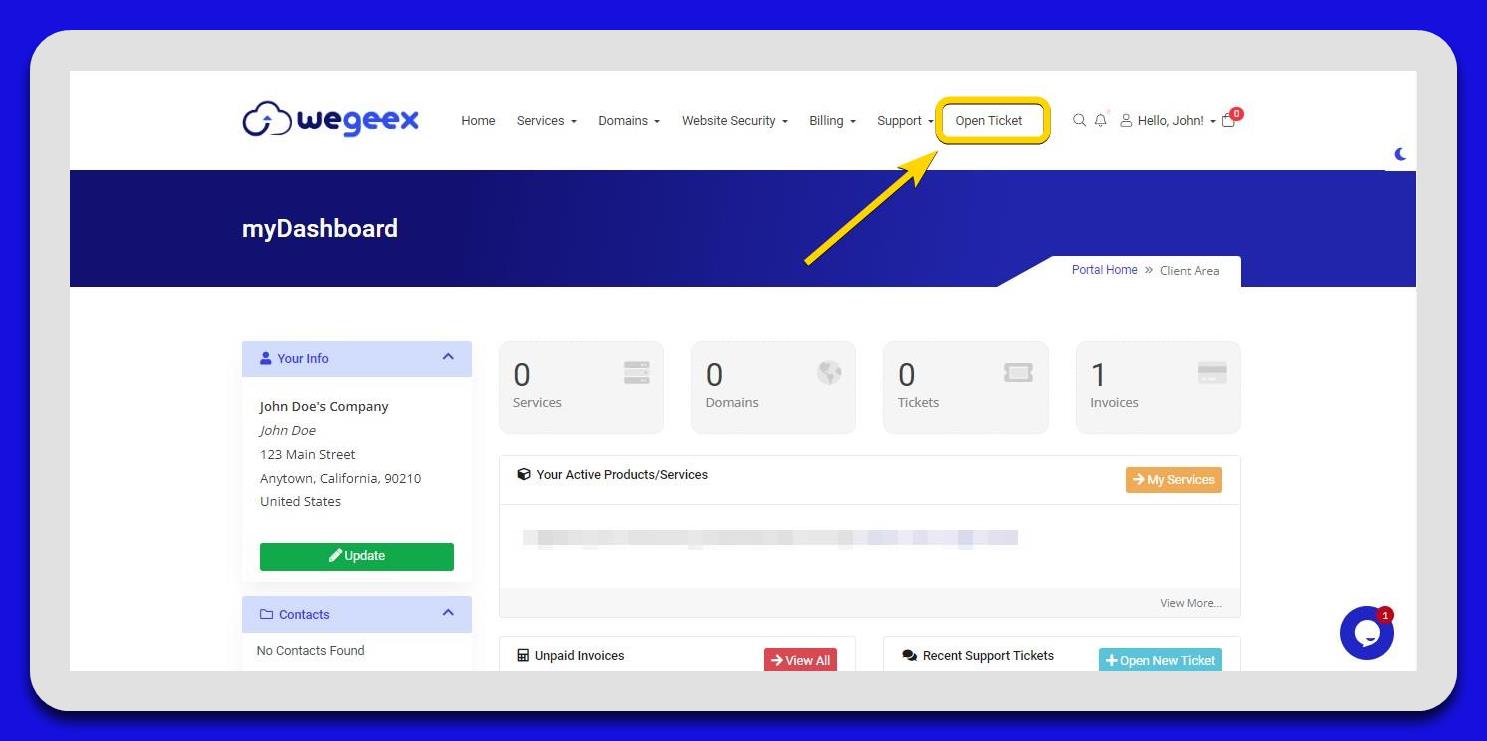
-
Choose Billing Department:
3.1. In the next section, you will see the available departments and their respective functions. Click the "Open ticket" button next to the Billing option.
Fill Out the Ticket Form:
- Department: Select "Billing" as the department.
- Priority: Choose the priority level for your ticket.
- Subject: Provide a brief description of your request.
- Message: Detail the specifics of your inquiry.
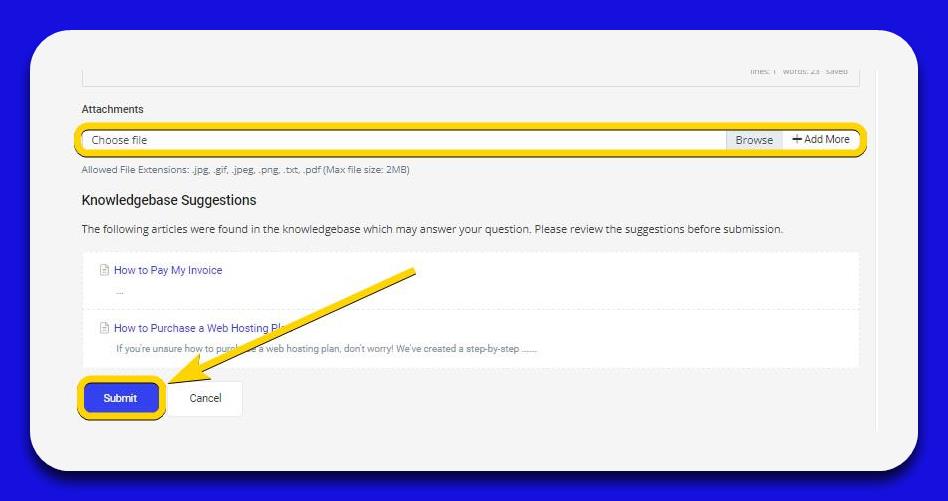
- Attachments: If needed, attach supplementary files such as screenshots or PDFs to elaborate on your message.

-
Submit Your Request:
4.1. Once you have completed the form, click the "Submit" button.
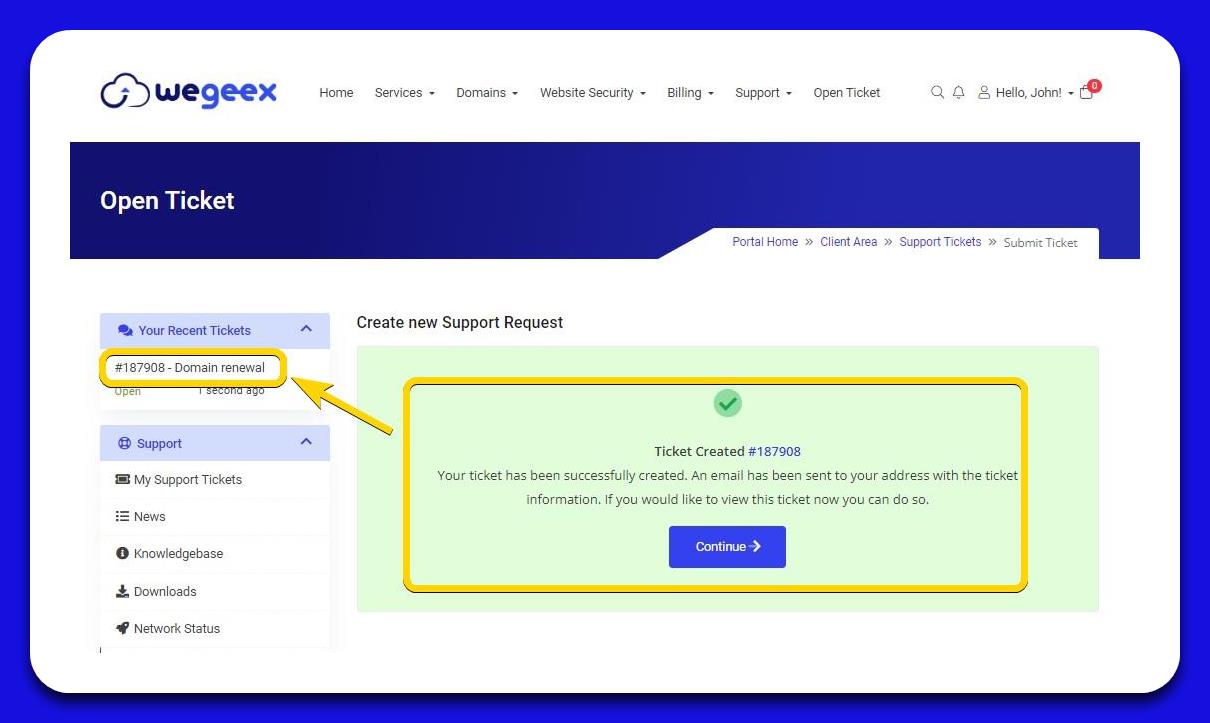
4.2. After submission, you will receive a ticket number for tracking purposes.